7 min read
Comment créer un reçu pour la revente
Un guide pour les revendeurs sur l'émission de reçus aux acheteurs et le suivi de leurs propres ventes — les champs qu'un reçu de revente nécessite et la façon la plus rapide d'en produire un.
- Comment créer un reçu pour la revente ?
- Ajoutez votre nom de vendeur et un contact, décrivez l'article vendu avec son état, attribuez au reçu un numéro et une date, et affichez le prix, la taxe éventuelle et le total payé. Receipt Caker structure ces champs et les totalise pour vous, si bien que vous pouvez remettre à un acheteur un vrai reçu et conserver une copie correspondante comme votre propre enregistrement de la vente — téléchargez-le en PDF ou en image.
Pourquoi les revendeurs devraient émettre des reçus
Que vous revendiez des objets, vendiez sur une marketplace ou teniez une boutique de revente, un reçu remplit deux fonctions à la fois. Il donne à l'acheteur la preuve de ce qu'il a acheté et auprès de qui, ce qui crée la confiance et prévient les litiges, et il vous donne un enregistrement daté de la vente pour votre propre suivi de revenus. Pour un revendeur qui gère de nombreuses petites transactions, cet enregistrement est ce qui maintient votre comptabilité honnête.
Un acheteur qui reçoit un reçu propre est plus susceptible de racheter et moins susceptible d'ouvrir un litige, car il a exactement ce qu'il faut si une question surgit. Cela vous distingue comme un vendeur sérieux plutôt qu'occasionnel.
Décrivez correctement l'article
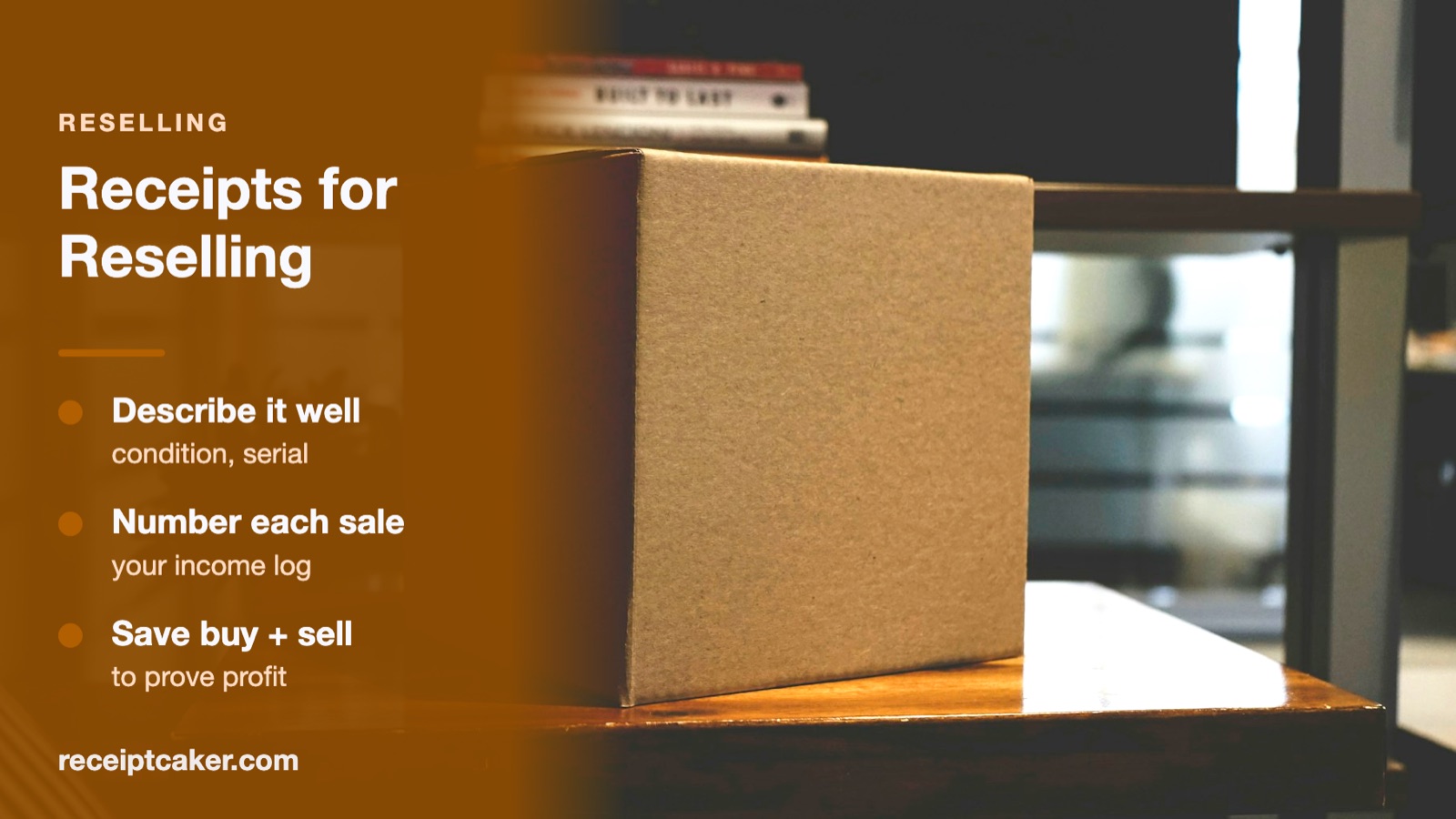
Pour la revente, la description de l'article pèse plus lourd que sur un reçu de détail ordinaire, car l'état et l'identité comptent souvent pour l'acheteur. Nommez l'article clairement et, lorsque c'est pertinent, notez l'état (neuf, d'occasion, reconditionné), un modèle ou une taille, et un numéro de série pour tout ce qui en porte un. Cela protège les deux parties si l'acheteur s'interroge plus tard sur ce qui a été vendu.
Une description précise appuie aussi les propres archives de l'acheteur — pour une garantie, une revente de sa part, ou une demande d'assurance. Des lignes vagues comme « marchandises » n'aident personne, alors accordez les quelques mots supplémentaires pour bien faire.
Conserver votre enregistrement de ventes
Les revenus de revente restent des revenus, et dans la plupart des endroits vous êtes censé conserver un enregistrement de vos ventes pour les impôts. Émettre un reçu numéroté pour chaque vente et en classer une copie fait que vos revenus sont détaillés et datés au fur et à mesure, plutôt que reconstitués en fin d'année à partir des rapports de versement des marketplaces et de votre mémoire.
Faites suivre les reçus en séquence pour repérer un manque et totaliser vos ventes sur une période facilement. Un dossier de PDF nommés par numéro et par date suffit, et il se rapproche proprement des versements qui arrivent sur votre compte. Le fait qu'une activité de revente donnée soit imposable, et les documents que vous devez conserver, est fixé par votre administration fiscale — vérifiez la règle qui s'applique à vous.
Créer un reçu de revente rapidement
Vous émettez probablement plusieurs reçus par semaine, alors la rapidité compte. Un générateur qui conserve vos coordonnées de vendeur vous laisse saisir seulement l'article et le prix par vente, calcule le total et la taxe éventuelle, et exporte un reçu fini en quelques secondes à envoyer avec l'article ou l'expédition.
Remplissez les champs, téléchargez un PDF ou une image propre, et conservez la copie. Comme tout se passe dans votre navigateur, vos données d'acheteur et de vente ne sont envoyées nulle part. N'émettez le reçu que pour des ventes authentiques qui ont réellement eu lieu — c'est un enregistrement d'un commerce réel, pas un document à fabriquer.
Les étapes en un coup d'œil
- 1Ajoutez vos coordonnées de vendeur. Indiquez votre nom ou celui de votre boutique et un contact pour que l'acheteur sache à qui il a acheté.
- 2Décrivez l'article. Nommez clairement l'article, avec son état ou un numéro de série si cela importe.
- 3Numérotez et datez la vente. Attribuez au reçu un numéro et la date de la vente.
- 4Affichez le prix et le total. Indiquez le prix, la taxe éventuelle et le total payé par l'acheteur.
- 5Exportez et gardez une copie. Téléchargez le reçu pour l'acheteur et classez une copie comme enregistrement de vos revenus.