7 min read
How to Void a Receipt
A step-by-step guide to voiding a receipt correctly when a legitimate sale is cancelled or entered by mistake, keeping your records accurate and reconciled.
- How do I void a receipt?
- Receipt Caker lets you reissue a corrected receipt while you retain the original marked as void, so your records stay complete. To void a receipt, mark the original clearly as voided rather than deleting it, record the reason and date, reverse any payment that was taken, and update your books so the amount leaves your sales totals. Keep the voided copy for your audit trail.
What voiding a receipt means
Voiding a receipt cancels a transaction that should not stand — a sale the customer called off before it settled, a receipt entered twice by mistake, or a charge rung up in error. It is a normal, legitimate part of running honest books: mistakes and cancellations happen, and voiding is how you correct them cleanly without pretending the entry never existed.
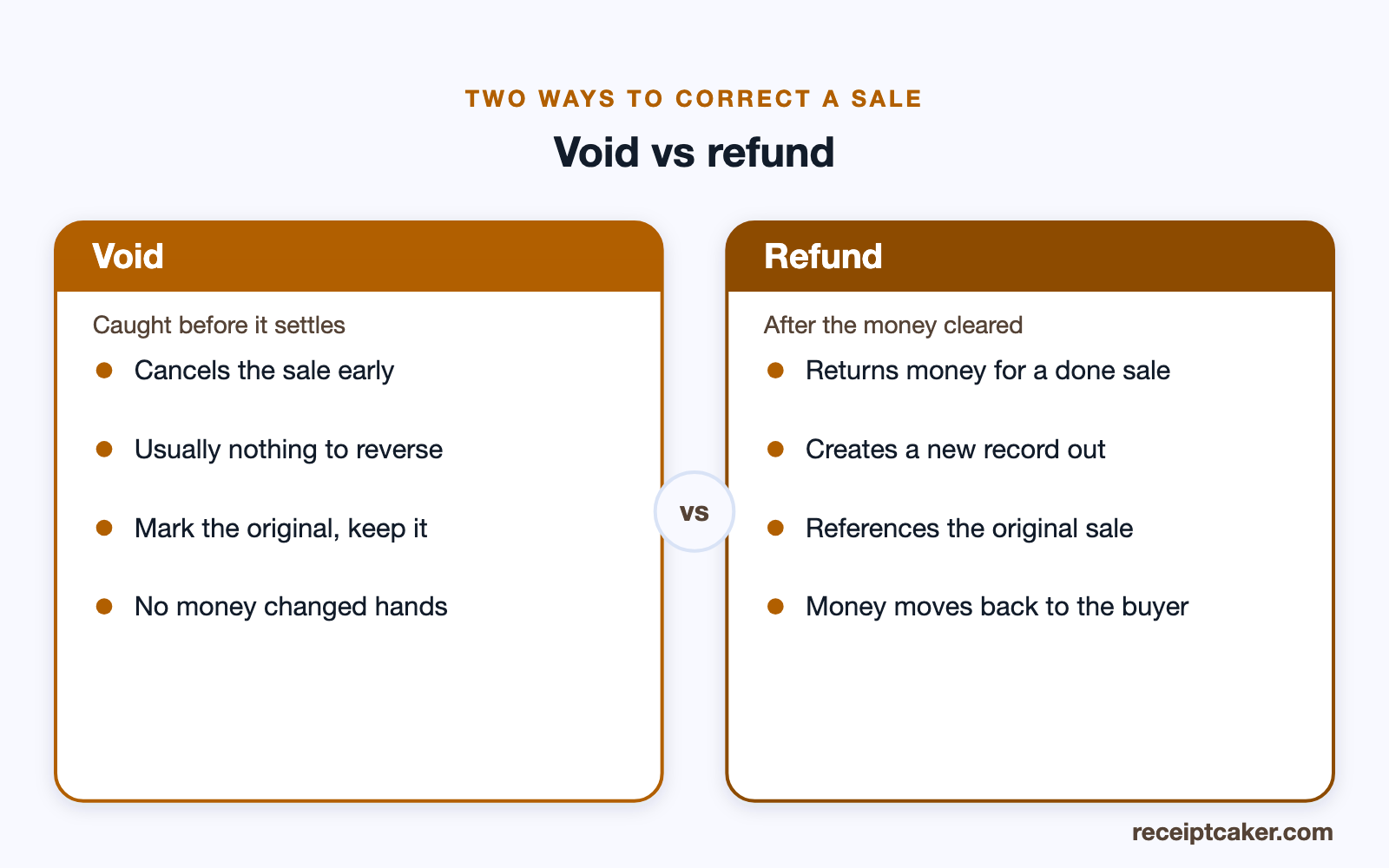
Voiding differs from a refund. A void typically cancels a transaction before the money has truly settled, so no funds need to move back, whereas a refund returns money for a completed sale. Knowing which situation you are in determines whether you simply mark the receipt void or also process a reversal.
Void or refund — telling them apart
The single question that decides which action to take is whether the money has actually settled. If a mistake or cancellation is caught early — a duplicate ring-up, the customer changing their mind at the counter, a wrong amount keyed before the payment clears — you void: the sale is stopped and marked void, and usually no funds have to move because none truly changed hands. If the payment has already gone through and cleared, you refund instead, returning the money for a completed sale.
Both are legitimate corrections and both must be documented, but they leave different trails. A void keeps the original receipt marked as cancelled with nothing to reverse; a refund creates a new record of money going back out, tied to the original sale. Reaching for the wrong one — refunding something that was never really paid, or voiding a settled sale without returning the money — is what leaves your books out of step with your bank.
Voiding across paper, POS and digital records
How you void depends on where the receipt lives, but the principle is identical everywhere: cancel it visibly, keep it, and record why. On a point-of-sale system, use its built-in void function, which marks the transaction voided while preserving it in the day's record rather than erasing it. In a paper book, write VOID across the original and leave it in place, keeping its number in the sequence.
With a generator or a digital file, keep the original marked as void and produce a fresh, correct receipt for the actual sale rather than editing the mistaken one out of existence. Whatever the medium, never quietly delete: a void that leaves no trace looks, to an auditor, exactly like an attempt to hide a sale, which is the opposite of what a legitimate correction should do.
Mark, do not delete
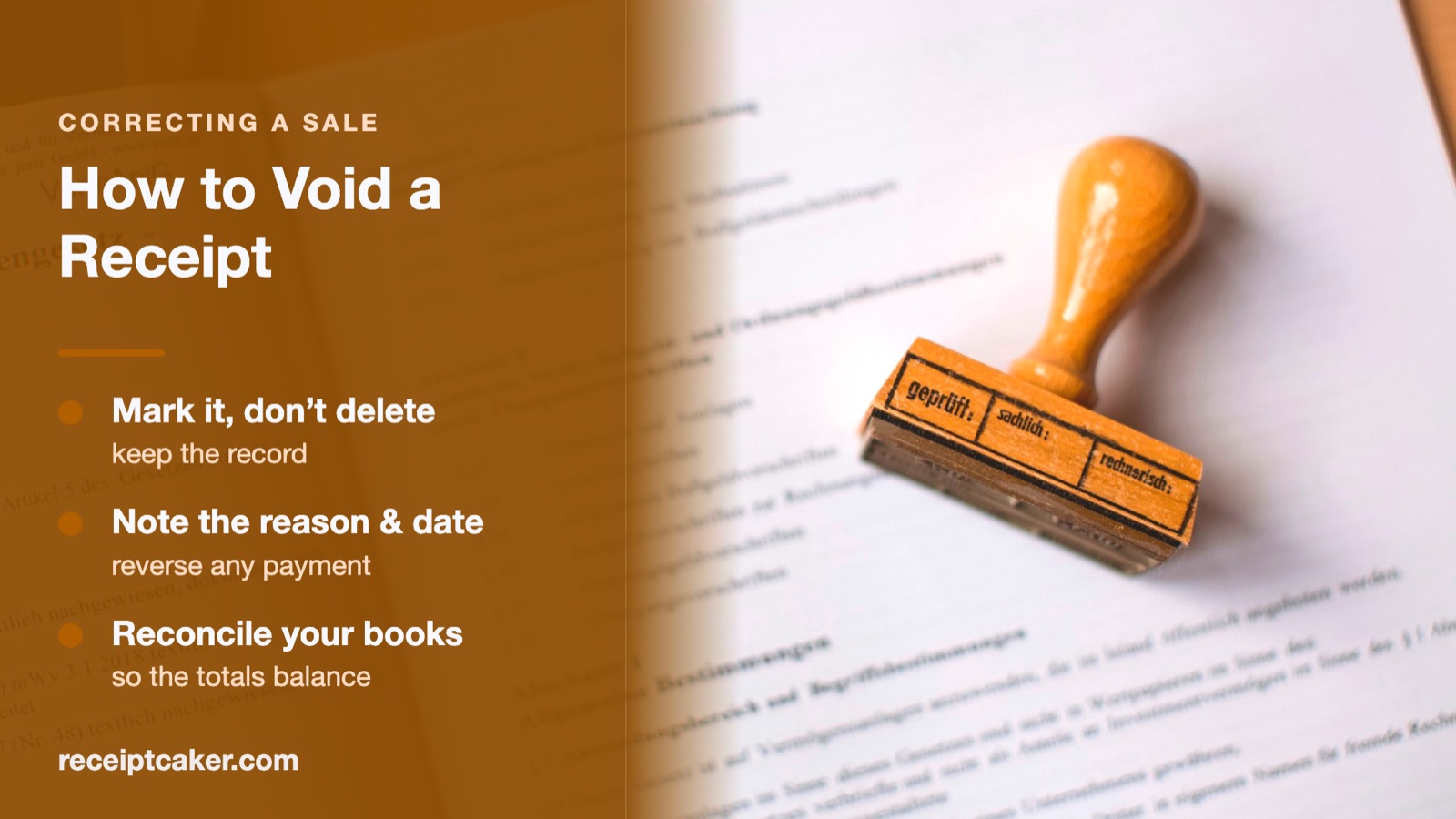
The cardinal rule is to preserve the original. Rather than deleting the receipt, mark it clearly as VOID across the document and keep it in your records. Deleting a receipt leaves a gap in your numbered sequence and destroys the evidence of what happened, which is exactly what an auditor or accountant does not want to see.
A retained, voided receipt tells a complete story: a transaction was created, then legitimately cancelled, with the reason recorded. That transparency is what keeps your books trustworthy. If your receipts are numbered in sequence, the voided one keeps its number, so the sequence stays unbroken and any later question can be traced.
Record the reason and reverse any payment
Alongside the void, write down why it happened and when — customer cancelled, duplicate entry, wrong amount keyed — and, ideally, who authorised it. A one-line reason turns a bare void into a self-explanatory record that anyone reviewing the books can understand months later without having to ask.
If money was actually collected, you need to return it. Reverse the card authorization or refund the payment, and keep the proof of that reversal filed with the voided receipt. This ensures the customer is not out of pocket and that your recorded sales match the money you actually kept, closing the loop on the cancelled transaction.
Who can void, and why it is tracked
In a business with staff, voids are usually controlled, and for good reason. Because a void removes a sale from the takings, an unchecked ability to void is also an opening for theft — ringing a sale, taking the cash, then voiding the receipt so the money is never recorded. That is why many point-of-sale systems require a manager code to void, and why a good process records who authorized each one.
Even as a sole trader, noting who voided a receipt and why is worth the habit, because it keeps the record self-explanatory and demonstrates that voids are a controlled exception rather than a routine you reach for casually. A pattern of frequent, unexplained voids is exactly what an auditor looks at hardest, so the more each one explains itself, the better your books stand up to scrutiny.
A void is a correction, not a cover-up
It is worth being clear about the line a void must stay on the right side of. Voiding exists to correct genuine errors and cancellations — a duplicate, a mistake, a change of mind — and to do so transparently, leaving a visible, explained record. Used that way it is ordinary, honest bookkeeping.
Used to make a real sale disappear so the income goes unreported, it is fraud. The whole discipline of this guide — mark rather than delete, record the reason, reverse the money, reconcile the books — is what keeps a void firmly in the first category. Keep the trail complete and a void protects your records; break it, and a void starts to look like the opposite.
Reconcile and reissue if needed
After voiding, update your books so the cancelled amount is taken out of your sales totals and your figures reconcile against your bank. A void that is not carried through to your accounts leaves your revenue overstated, so treat the bookkeeping step as part of the void rather than an afterthought.
Often a void goes hand in hand with issuing a corrected receipt — the customer still wants to buy, just at the right amount or for the right items. Receipt Caker makes this clean: keep the original marked as void in your files and generate a fresh, correct receipt for the actual sale, so both the error and its correction are documented and your records stay complete.
Les étapes en un coup d'œil
- 1Confirm the void is legitimate. Void only for a genuine reason such as a cancelled sale, a duplicate entry, or a mistaken charge, before any funds are truly settled.
- 2Mark the original as void. Clearly label the original receipt as voided rather than deleting it, so the record of the error remains.
- 3Record the reason and date. Note why the receipt was voided and when, so anyone reviewing the books understands what happened.
- 4Reverse any payment taken. If money was collected, refund or reverse it, and keep proof of the reversal alongside the voided receipt.
- 5Reconcile your records. Update your books so the voided amount is removed from sales totals and the sequence still balances.