
8 min read
How to Make Receipts for a Small Business
A no-overhead guide to receipts for small businesses — the fields you need, a numbering and filing routine, and free tools to issue them without an accounting team.
- How do I make receipts for a small business?
- Choose one receipt layout and stick to it: add your business name and contact, a receipt number, the date, the items with prices, any sales tax, and the total. Receipt Caker fills these fields and totals the items for you, so you can issue a professional small-business receipt in seconds and save a copy for your records — no accounting software or sign-up required.
Keep the system simple
A small business does not need accounting software to issue proper receipts — it needs one consistent format and the discipline to use it every time. Decide on a layout that carries your business name and contact, a receipt number, the date, an itemized list, a tax line if you collect tax, and the total, then reuse it for every sale. The value is in the consistency, not in complexity.
The fewer moving parts, the more likely you are to actually keep the record. A single generator that remembers your details and does the maths beats a spreadsheet you have to rebuild each time or a receipt pad you forget to fill in.
Can you handwrite receipts?
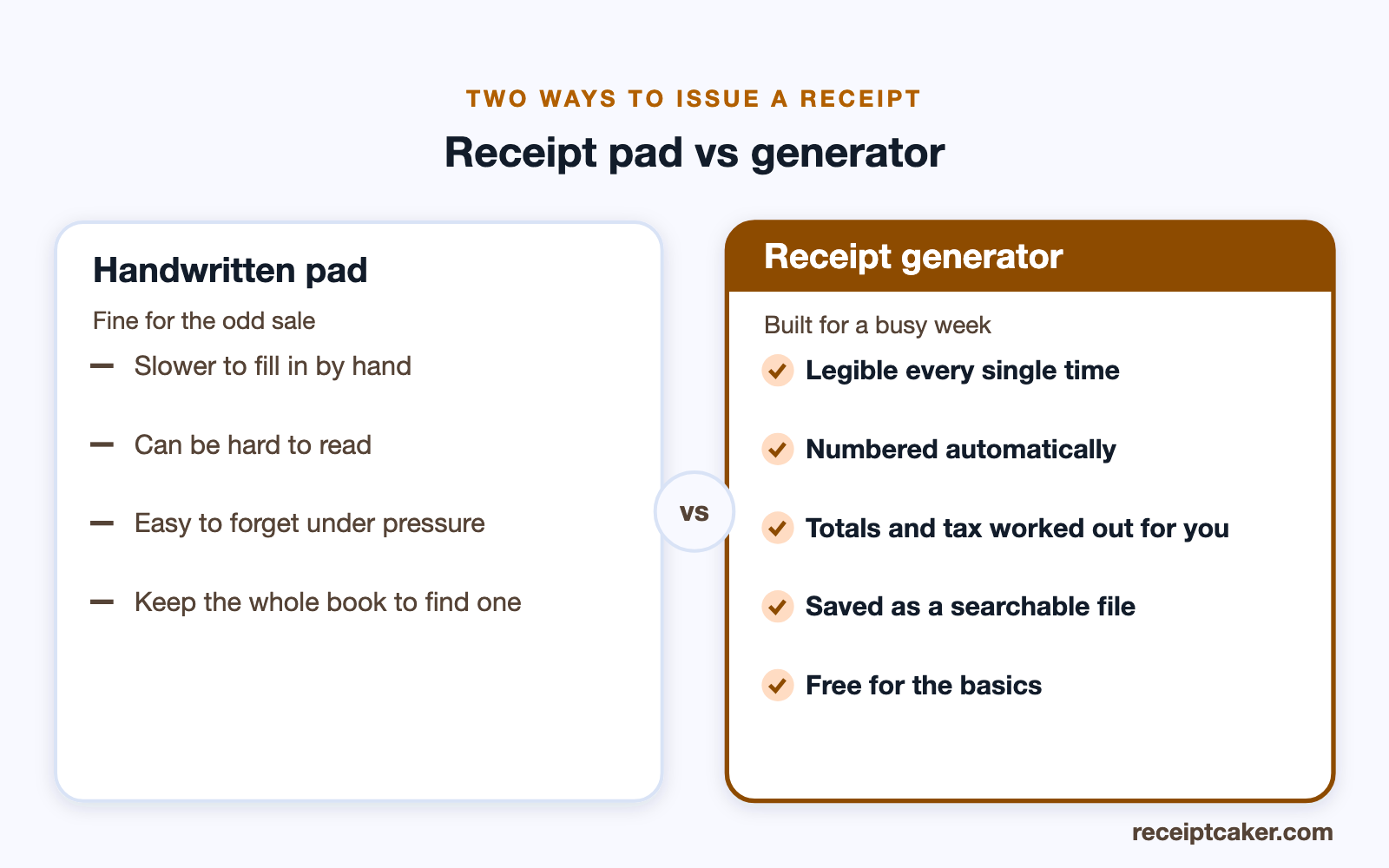
Yes — a handwritten receipt is perfectly valid, and for a market stall or an occasional sale a carbon receipt pad still does the job. What gives a receipt its standing is the information on it, not whether it was typed, so as long as a handwritten one names your business, the date, the items, the total, and the payment, it counts. The catch is consistency: handwriting is slower, easy to make illegible, simple to forget under pressure, and hard to search when you need to find one sale among hundreds.
That is why most small businesses graduate from a pad to a generator as soon as they issue more than a handful of receipts. You get the same document, but legible every time, numbered automatically, totalled without arithmetic slips, and saved as a searchable file rather than a duplicate page you have to keep the whole book to find.
Number them and file the copies
Run your receipts in a numbered sequence so you can spot a missing one and look any sale up fast. Then keep a copy of each as you issue it — a folder of PDFs named by number and date is enough, and it will still be legible years from now when a thermal-paper slip would have faded to nothing.
This filing habit is what turns receipts from paperwork into an asset. At tax time your income is already itemised and dated, reconciling to your bank takes minutes, and if you are ever asked to substantiate a figure the evidence is sitting in one place.
Receipts and your tax return
The receipts you issue are the record of your income, and the receipts you receive are the record of your deductible expenses — both matter to your return. Keeping them organised through the year means you are not reconstructing figures from memory or bank statements when a deadline looms. How long you must retain them is set by your tax authority and is commonly several years.
If you collect sales tax, showing it as a separate line on each receipt keeps the tax you owe cleanly apart from your revenue, which makes filing and remitting far simpler. Receipt Caker applies your rate automatically, and for expenses the expense report maker bundles receipts into one summary.
Don't forget the receipts you receive
It is easy to focus on the receipts you hand out and forget the ones you collect, but for a small business the incoming receipts are just as valuable — they are the evidence behind every expense you deduct. Stock, supplies, software, mileage, a coffee with a client: each deductible cost needs a receipt to back it up if the figure is ever questioned, and a missing one can mean a deduction you cannot claim.
Capture them as they arrive. Photograph or scan paper receipts to PDF before the ink fades, drop email receipts into the same folder as your issued ones, and you have both sides of your books — income and expenses — in one searchable place. In the US the IRS does not require a documentary receipt below $75, but keeping one above that is expected, and keeping the small ones too rarely hurts.
A ten-minute weekly habit
The whole system works because it is small enough to actually keep up. Once a week, spend ten minutes filing that week's issued and received receipts into dated folders, and glance down the numbered sequence for any gap. That short, regular pass is what keeps the records from piling into a year-end scramble.
Do it consistently and tax time stops being a project. Your income is already itemised and dated, your expenses are already backed by receipts, and handing a tidy set to an accountant — or filing yourself — becomes a matter of opening a folder rather than reconstructing a year from memory.
Common small-business receipt mistakes
A few habits cause most of the trouble. Skipping the receipt number is the big one — without a sequence you cannot tell if one is missing or find a sale quickly. Keeping only the customer's copy and none of your own leaves you with no income record. Folding sales tax into the prices instead of showing it on its own line makes your revenue and the tax you owe impossible to separate at filing time. And relying on thermal-paper pads means half your records have faded to blank by the time you need them.
None of these takes effort to avoid; they are just easy to overlook when you are busy. Using one consistent, numbered format for every sale and saving a copy as you go fixes all of them at once, which is exactly what a simple generator-and-folder routine gives you.
Free tools that do the work
Small businesses run on tight budgets, and you do not need to pay for the basics. Free tools let you build a complete receipt — your details, itemized lines, tax, and total — and download it without a subscription. Free tiers usually cover everything a small operation needs; paid plans add conveniences like saved branding or bulk creation.
Because Receipt Caker generates the receipt in your browser, your sales data is not sent to a server, which matters when you are handling customer details. Fill in the fields, export a clean PDF or image, and keep a copy — the whole thing takes under a minute per sale. Issue one for every real transaction and your income records build themselves as you trade.
Steps at a glance
- 1Pick one receipt format. Choose a single layout and use it for every sale so your records stay consistent.
- 2Fill in your business and the sale. Add your name and contact, the date, a receipt number, and the items with prices.
- 3Add tax if you collect it. Show any sales tax on its own line with the rate applied.
- 4Export and send. Download the receipt as a PDF or image to hand over or email.
- 5File your copy. Save a copy by number and date so it is ready for your tax return.